
VISION · Create
NewCamera
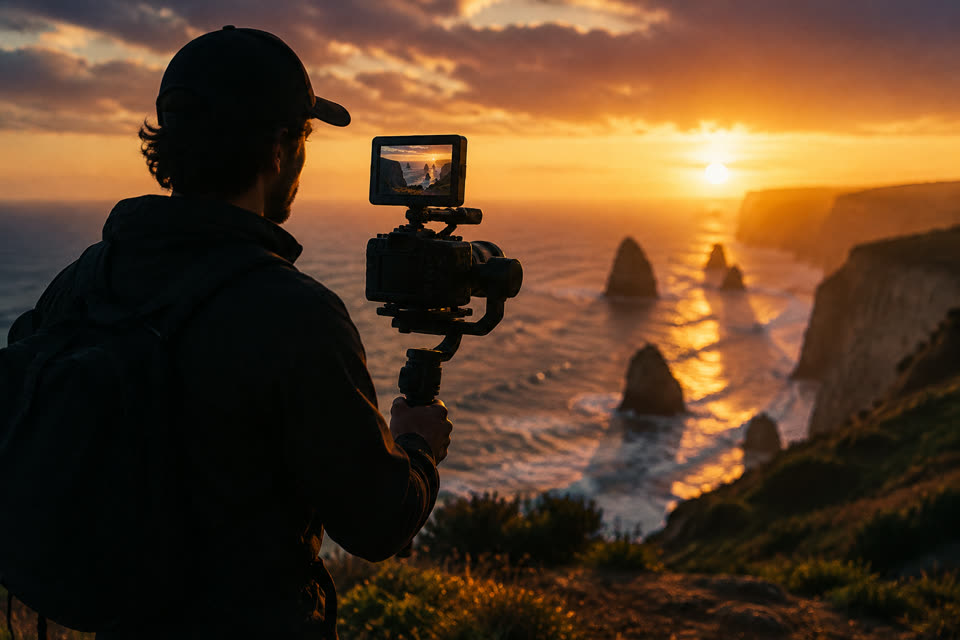
Record inside V3EDGE with the looks creators actually use: Golden Hour, VHS, Blockbuster, Cyber Neon and more. The look you pick is kept with the clip and applied exactly when you edit.
- Where
- iPhone, iPad and Android apps
- Cost
- Included on every plan
- Lane
- VISION · Images, Video & Editing
Step by step
How to record video with trending filters
- Open Camera from Home, or tap a look on the Home screen to start with it.
- Choose a look along the bottom; the live view previews the mood.
- Tap the shutter to record, and tap it again to stop.
- Tap Edit with… to open the clip in the editor with that look already on it.
Good to know
- Free, and the recording happens on your phone.
- The live view is an approximation; the exact look is applied by the same renderer that exports your video, so what you see in the editor is what you get.
- Fifteen looks, built from the editor's own colour and effect controls. Nothing extra to download.
Questions people ask
How do I record video with trending filters?
1. Open Camera from Home, or tap a look on the Home screen to start with it. 2. Choose a look along the bottom; the live view previews the mood. 3. Tap the shutter to record, and tap it again to stop. 4. Tap Edit with… to open the clip in the editor with that look already on it.
Is Camera free?
Yes. Camera is included on every V3EDGE plan, including the free Foundation plan.
Where can I use Camera?
iPhone, iPad and Android apps. It is in the V3EDGE app.
Works well with
Color Grade & Looks
Cinematic, warm, cool, vivid, mono, vintage, glow, grain
Free
Transitions & Effects
17 transitions and 15 effects: slide, zoom, glitch, VHS, shake, letterbox
FreeEditor
Cut, trim, split, speed, text, music, transitions. Your way
AIAI B-roll
Describe a shot or start from a photo, a new clip of about 10 seconds, with sound
Also searched as: camera filters · tiktok filters · video filter app · record with golden hour and vhs filters · capcut style filters while recording · trending video looks for reels