
VISION · Create
AIDirector
Give it a script, your cast and location photos and your song, and the Director plans every shot, paints a storyboard, shoots each scene, voices the lines and cuts the film — ready to finish in the editor.
- Where
- Web Studio and Android app
- Cost
- AI credits, stage by stage
- Lane
- VISION · Images, Video & Editing
Step by step
How to make a film from a script with AI
- Open Director and pick a format: Music video, Short, Series episode, Short film, Commercial or Talking presenter.
- Fill in the Brief: a one-line idea and your Script, the length, the frame (9:16, 16:9 or 1:1), spoken on camera or voice-over, and a look.
- Add references: up to 8 Cast members (a photo, a description and a voice each), up to 8 Locations with a photo, and Use my song for a music video.
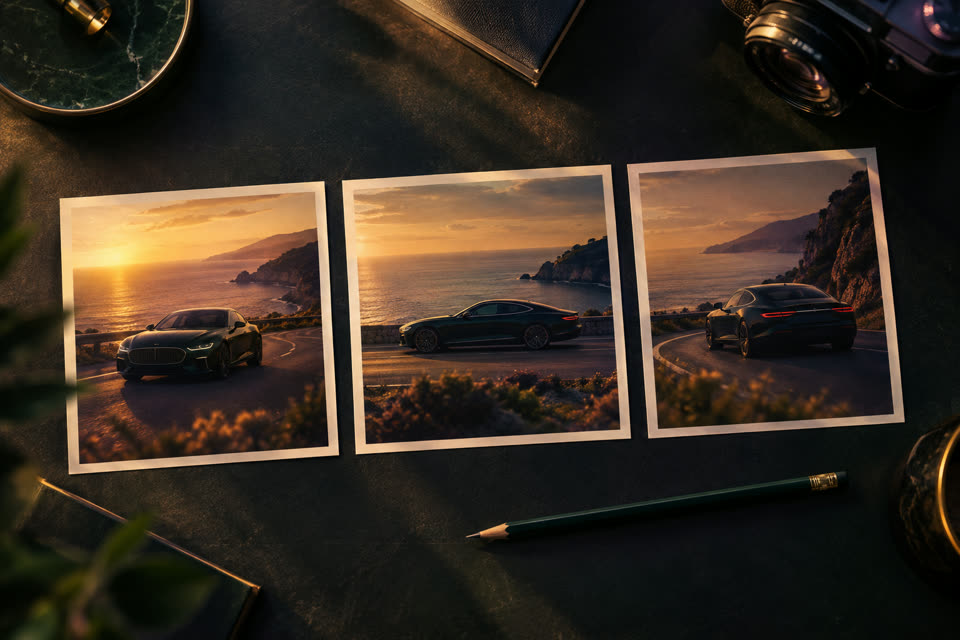
- Run each stage in turn — Plan the shots, Paint the storyboard, Shoot every scene, Review sound, Cut the film — and review or redo anything before moving on.
- Tap Approve reviewed cut, then Open finished cut in editor to add captions, text and your final touches.
Good to know
- Six stages: Brief, Plan, Storyboard, Shoot, Sound, Cut.
- Planning and storyboard frames run on OpenAI; shots on Google Gemini with Luma as backup; voices on ElevenLabs (10 voices); the cut is assembled on V3EDGE servers.
- Up to 12 scenes and 30 shots (about four minutes); shots are 4, 6 or 8 seconds.
- Planning, frames and shot seconds draw on your AI credit budget; you see the cost before each stage.
Questions people ask
How do I make a film from a script with AI?
1. Open Director and pick a format: Music video, Short, Series episode, Short film, Commercial or Talking presenter. 2. Fill in the Brief: a one-line idea and your Script, the length, the frame (9:16, 16:9 or 1:1), spoken on camera or voice-over, and a look. 3. Add references: up to 8 Cast members (a photo, a description and a voice each), up to 8 Locations with a photo, and Use my song for a music video. 4. Run each stage in turn — Plan the shots, Paint the storyboard, Shoot every scene, Review sound, Cut the film — and review or redo anything before moving on. 5. Tap Approve reviewed cut, then Open finished cut in editor to add captions, text and your final touches.
Is Director free?
Director uses AI, so it spends credits from your monthly budget: 6 credits per plan, 12 per storyboard frame and 15 per second of shot. Every plan has a budget, Foundation (free) included; the Studio shows what is left before you start, and a failed job never spends credits.
Where can I use Director?
Web Studio and Android app. On the web, open it at v3edge.app/app/director.
Works well with

AI B-roll
Describe a shot or start from a photo — a new ~10-second clip with sound on Google Gemini
Storyboard
Plan up to 12 shots — name, length, shot type — then open it in the editor
AI
Sound Studio
Premium AI voice-over in 10 voices, clean voice, sound effects and dubbing into 37 languages
Free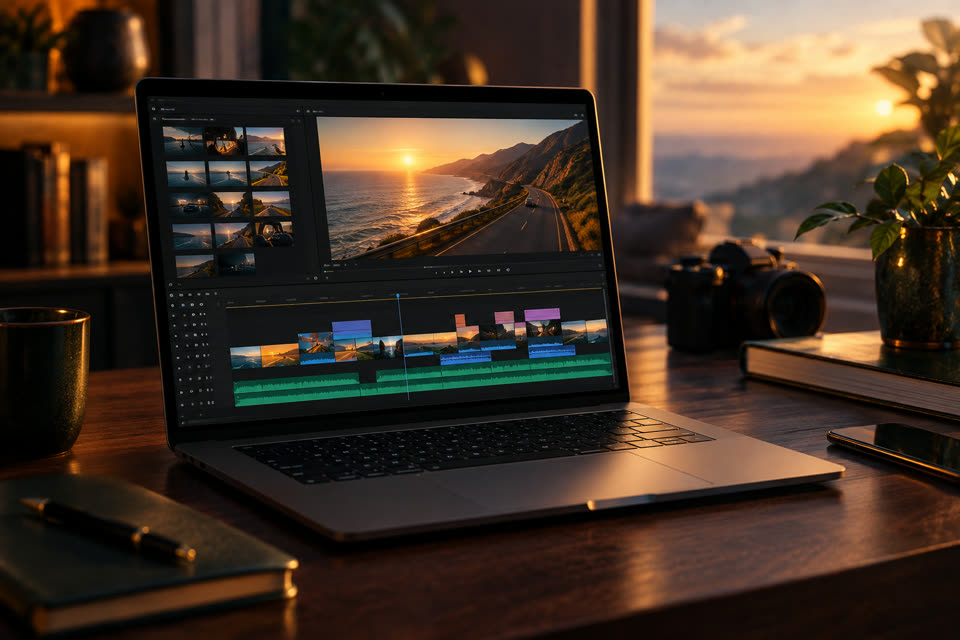
Editor
Cut, trim, split, speed, text, music, transitions — your way
Also searched as: ai film maker · ai music video maker · script to video · make a music video with ai from my song · turn a script into a short film with ai · ai series episode maker with consistent characters · talking presenter video from a script · ai commercial maker from a script