VISION · Library
Projects
Everything you make — videos, voice-overs, images and documents — in one library you can search, filter, rename, download and delete.
- Where
- iPhone, iPad, Android and web
- Cost
- Included on every plan
- Lane
- VISION · Images, Video & Editing
Step by step
How to keep all my creator work in one library with V3EDGE
- Open Projects in the app, or Library in the web Studio.
- Search, or filter by type (video, image, documents) and date.
- Open an item to preview, download or share it, or send a clip back to the editor.
- Rename or delete anything you no longer need.
Good to know
- Free on every plan.
- Deleting your account removes your projects and uploads.
Questions people ask
How do I keep all my creator work in one library?
1. Open Projects in the app, or Library in the web Studio. 2. Search, or filter by type (video, image, documents) and date. 3. Open an item to preview, download or share it, or send a clip back to the editor. 4. Rename or delete anything you no longer need.
Is Projects free?
Yes. Projects is included on every V3EDGE plan, including the free Foundation plan.
Where can I use Projects?
iPhone, iPad, Android and web. On the web, open it at v3edge.app/app/projects.
Works well with
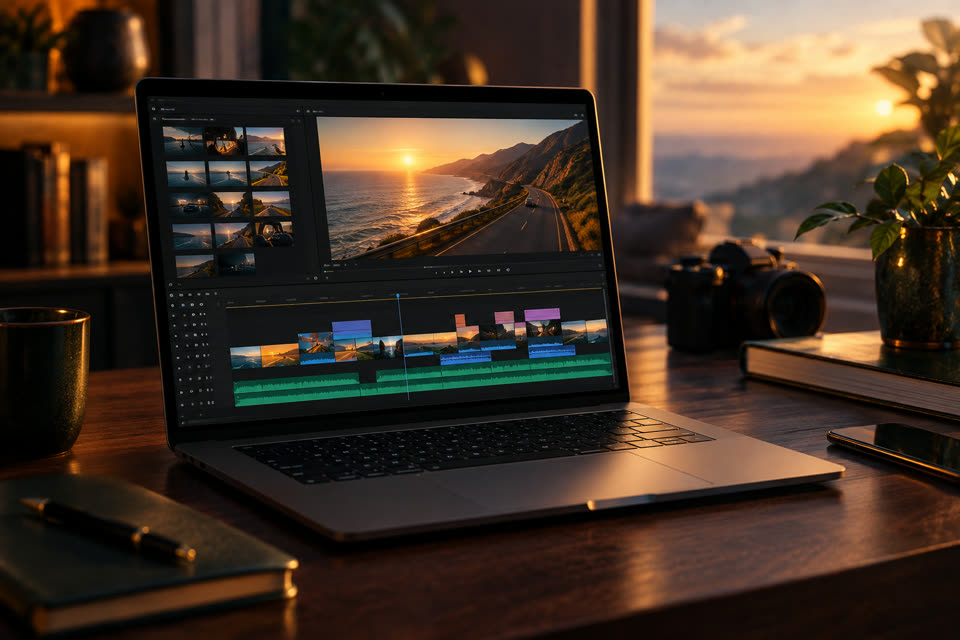
Editor
Cut, trim, split, speed, text, music, transitions — your way
Free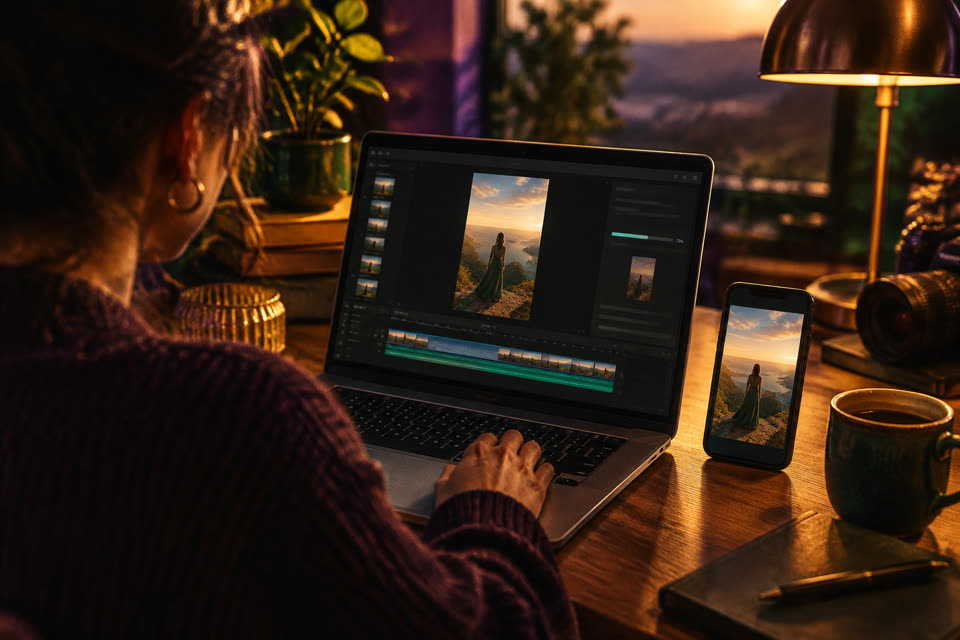
Export
MP4 in 9:16, 4:5, 1:1 or 16:9, captions burned in, no watermark
Analytics
Your real activity — no invented numbers
Free
Remove Background
On iPhone and iPad: keep the people, swap the background for a colour, blur or photo
Also searched as: media library · creator projects · one place for my videos images and documents · find old exports fast