VISION · Background & scene
FreeEffects & Green Screen
Layer your video like a studio: looks and filters, colour controls, a green-screen key with your own picture or video behind you, and picture-in-picture overlays.
- Where
- iPhone, iPad, Android and web
- Cost
- Free on every plan
- Lane
- VISION · Images, Video & Editing
Step by step
How to add effects and a green screen to a video with V3EDGE
- In the editor, tap Filters for a look, or Color to set brightness, contrast, saturation, warmth, tint, highlights and shadows.
- Filmed on green or blue? Open Background, choose Green screen (remove a colour), then Auto-detect or Pick from video, and tune Strength, Edge softness and spill removal.
- Put something behind you with Use a picture or Use a video.
- Tap Overlay to add a picture or a video on top — picture-in-picture — and set its position, size, opacity and timing.
- Add a Whole video effect from Effects, preview, then export.
Good to know
- Free; no watermark.
- The phone and tablet export takes up to six picture overlays and one video overlay (video overlays are muted).
- The web Studio has the looks, the effects, a per-clip green-screen key and Stabilize shaky footage; picture-in-picture is in the apps.
Questions people ask
How do I add effects and a green screen to a video?
1. In the editor, tap Filters for a look, or Color to set brightness, contrast, saturation, warmth, tint, highlights and shadows. 2. Filmed on green or blue? Open Background, choose Green screen (remove a colour), then Auto-detect or Pick from video, and tune Strength, Edge softness and spill removal. 3. Put something behind you with Use a picture or Use a video. 4. Tap Overlay to add a picture or a video on top — picture-in-picture — and set its position, size, opacity and timing. 5. Add a Whole video effect from Effects, preview, then export.
Is Effects & Green Screen free?
Yes. Effects & Green Screen is included on every V3EDGE plan, including the free Foundation plan, and adds no watermark.
Where can I use Effects & Green Screen?
iPhone, iPad, Android and web. On the web, open it at v3edge.app/app/studio?w=footage.
Works well with
Remove Background
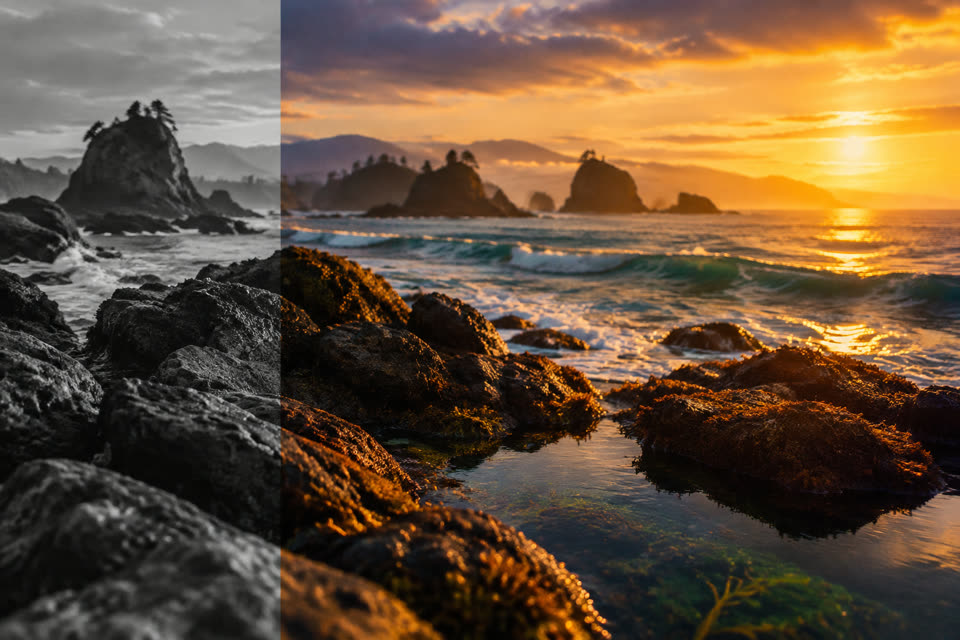
On iPhone and iPad: keep the people, swap the background for a colour, blur or photo
FreeTransitions & Effects
17 transitions and 15 effects — slide, zoom, glitch, VHS, shake, letterbox
Free
Color Grade & Looks
Cinematic, warm, cool, vivid, mono, vintage, glow, grain
AI
AI Edit
New background, location or outfit; add, remove or relight — just describe it
Also searched as: green screen video · video effects · green screen app with my own background · picture in picture video editor · chroma key video online free