VALUE · Share & track
FreeAd Campaign
Plan a product ad from your own logo, screenshots and model photos — proven claims, store links, rights and consent — then assemble it in the web Studio or build it in the app's editor.
- Where
- iPhone, iPad, Android and web
- Cost
- Free on every plan
- Lane
- VALUE · Publishing, Planning & Audience
Step by step
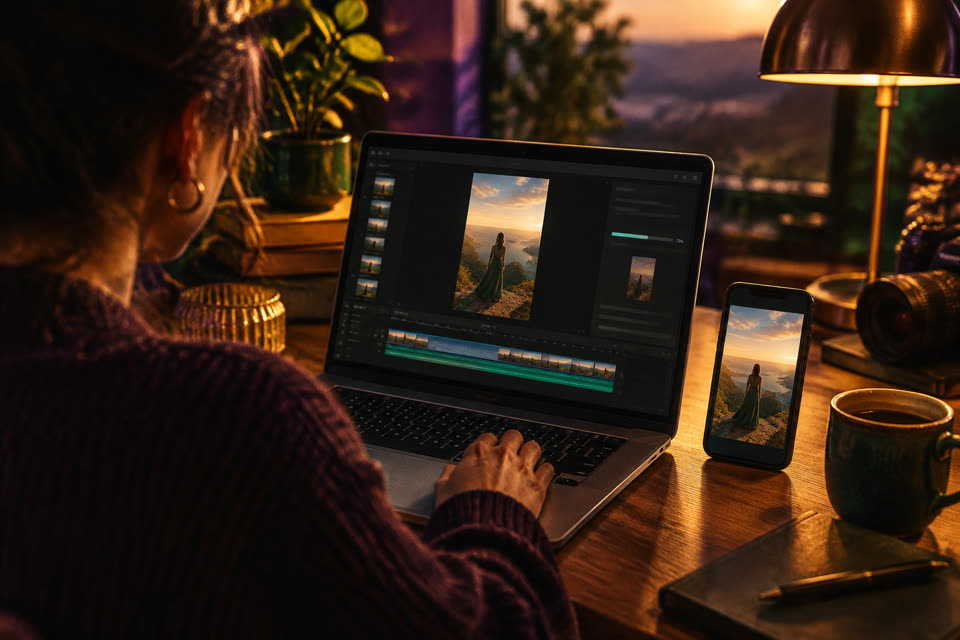
How to make an app ad video from screenshots with V3EDGE
- Open Ads in the web Studio, or Ad Campaign in the app's Value tools.
- Add and assign your images: one logo, eight real app screenshots and two model photos (JPEG, PNG or WebP).
- Check the message and destination: product name, audience, your brief, any claims with their evidence, your App Store and Google Play links, and confirm you hold the rights and the models' consent.
- Review shots and sound: the shape (9:16, 16:9 or 1:1), a length from 15 to 60 seconds, shot captions, and optionally your recorded narration and a music bed.
- Tap Assemble local video, then Download WebM or Continue in editor.
Good to know
- Free, with no AI: it is built in your browser from your own images, and nothing is uploaded while you assemble.
- Output is a 720p WebM at 30 frames a second; use a browser that can record WebM, such as Chrome.
- Every claim needs evidence you supply, so the ad says only what you can stand behind.
Questions people ask
How do I make an app ad video from screenshots?
1. Open Ads in the web Studio, or Ad Campaign in the app's Value tools. 2. Add and assign your images: one logo, eight real app screenshots and two model photos (JPEG, PNG or WebP). 3. Check the message and destination: product name, audience, your brief, any claims with their evidence, your App Store and Google Play links, and confirm you hold the rights and the models' consent. 4. Review shots and sound: the shape (9:16, 16:9 or 1:1), a length from 15 to 60 seconds, shot captions, and optionally your recorded narration and a music bed. 5. Tap Assemble local video, then Download WebM or Continue in editor.
Is Ad Campaign free?
Free on every plan. Built in your browser, no AI credits.
Where can I use Ad Campaign?
iPhone, iPad, Android and web. On the web, open it at v3edge.app/app/studio?w=ads.
Works well with
Editor
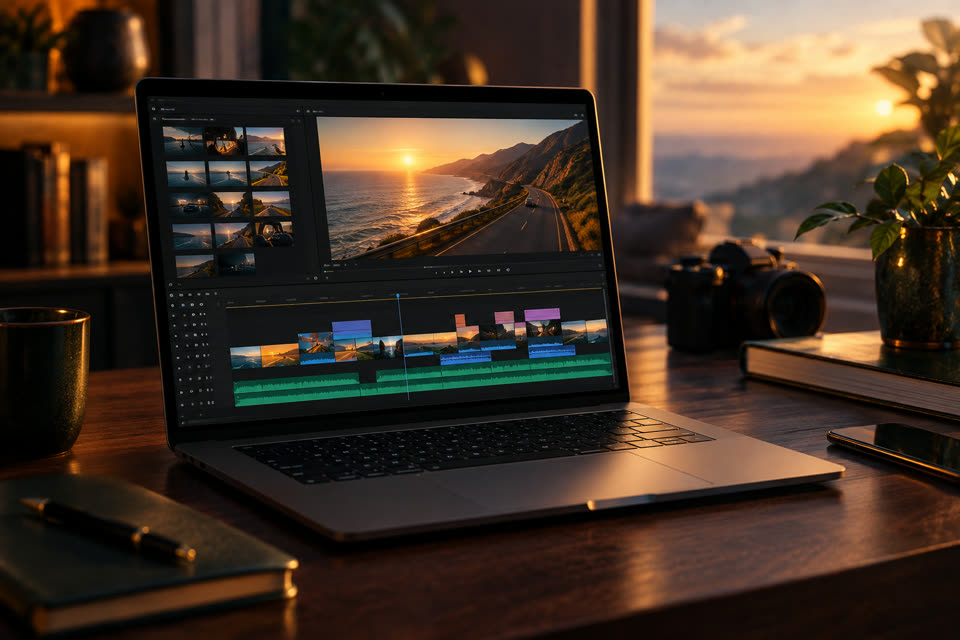
Cut, trim, split, speed, text, music, transitions — your way
AI
Graphics & Flyers
Posters, flyers and promo art on brand
Cross-Post
One clip, one caption, prepared for every platform — you post it yourself
Free
Link & QR Builder
Tag links by post and make scannable QR codes
Also searched as: app ad maker · ad video maker · app store ad from screenshots · make an ad video from my own photos · app promo video maker